Cursor Integration
Point Cursor's plan and agent modes at Kimi K3, GPT-5, Claude, or 200+ models through OffRail. One base URL override, plus what stays on Cursor's backend.
Cursor is an AI-powered code editor built on VSCode. You can point Cursor's custom OpenAI base URL at OffRail to use any of our 200+ models in the AI panel — both plan mode and agent mode.
Plan and agent mode. Cursor routes its AI panel — plan mode and agent mode — through the custom API key + base URL, so both work with OffRail. Tab autocomplete and inline edit (Cmd/Ctrl + K) remain locked to Cursor's own backend and will not route through the gateway. If you want every request in your workflow to go through OffRail, use a terminal agent like Claude Code, Codex CLI, Cline, Continue CLI, or Hermes Agent.

Prerequisites
- An OffRail account with an API key
- Cursor IDE installed
- Basic understanding of Cursor's AI features
Setup
Cursor supports OpenAI-compatible API endpoints, making it easy to integrate with OffRail.
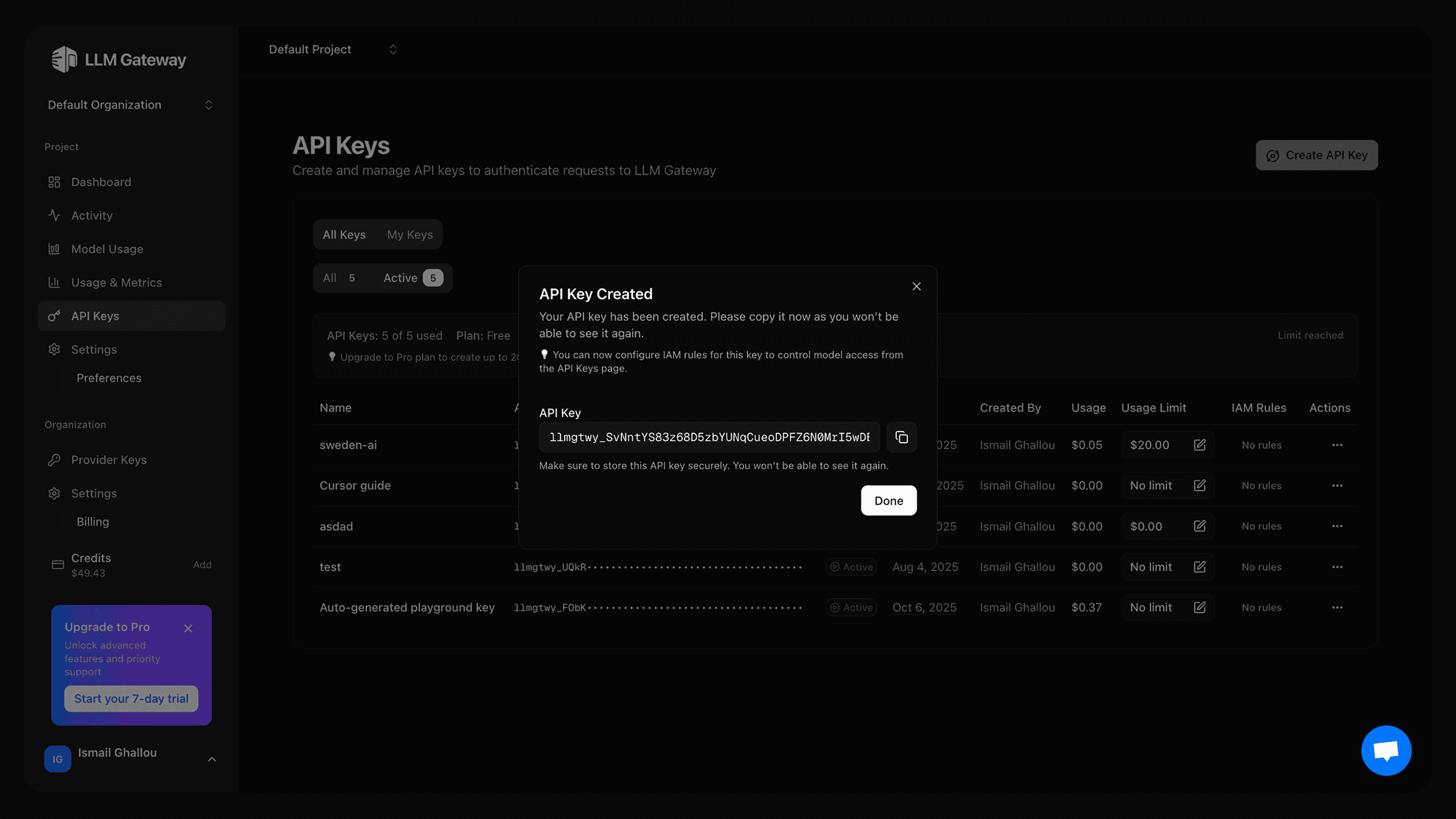
Get Your API Key
- Log in to your OffRail dashboard
- Navigate to API Keys section
- Create a new API key and copy the key
Configure Cursor Settings
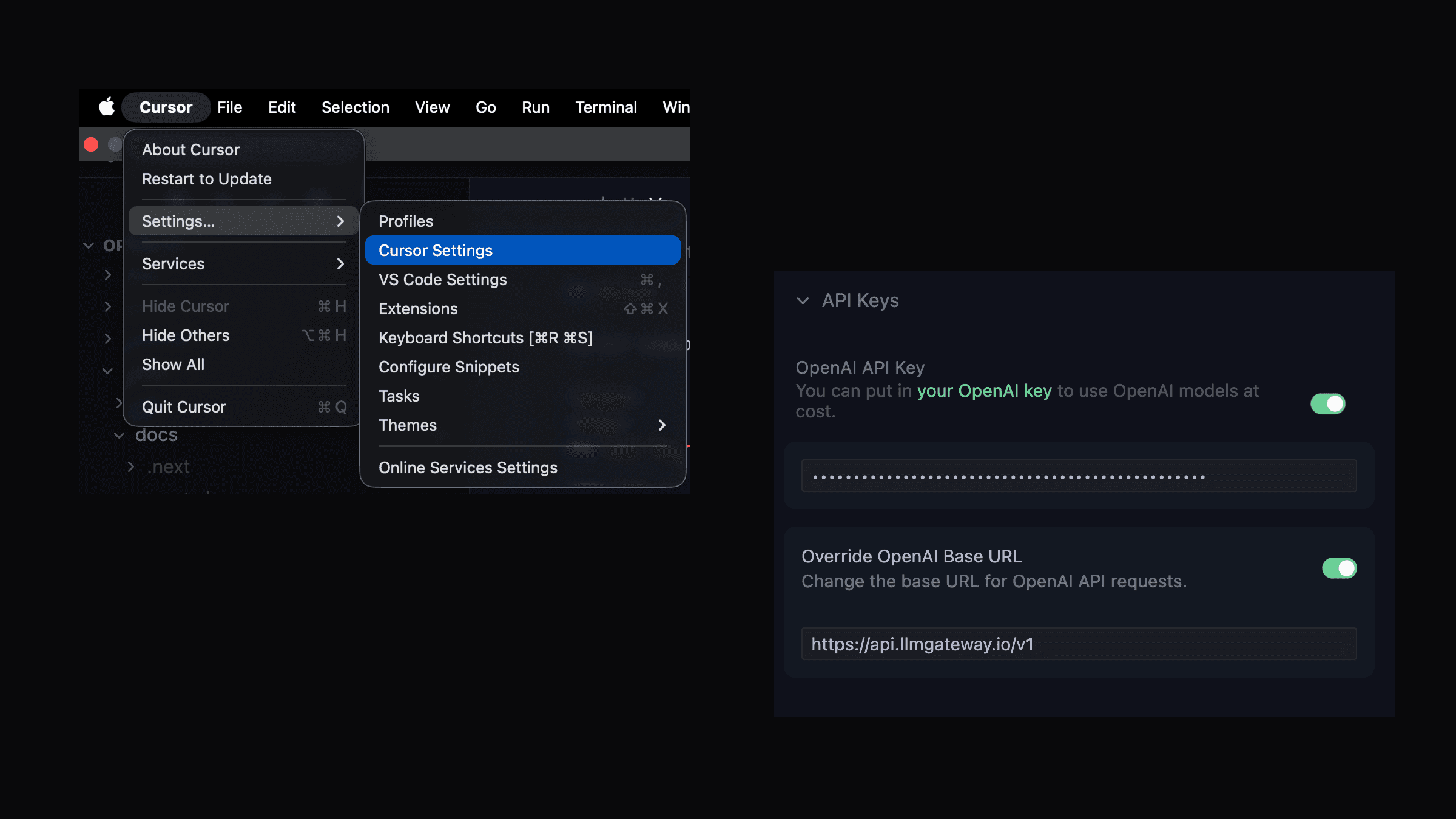
- Open Cursor and go to Settings then Click on "Cursor Settings"
- Click on "Models"
- Click on "Add OpenAI API Key"
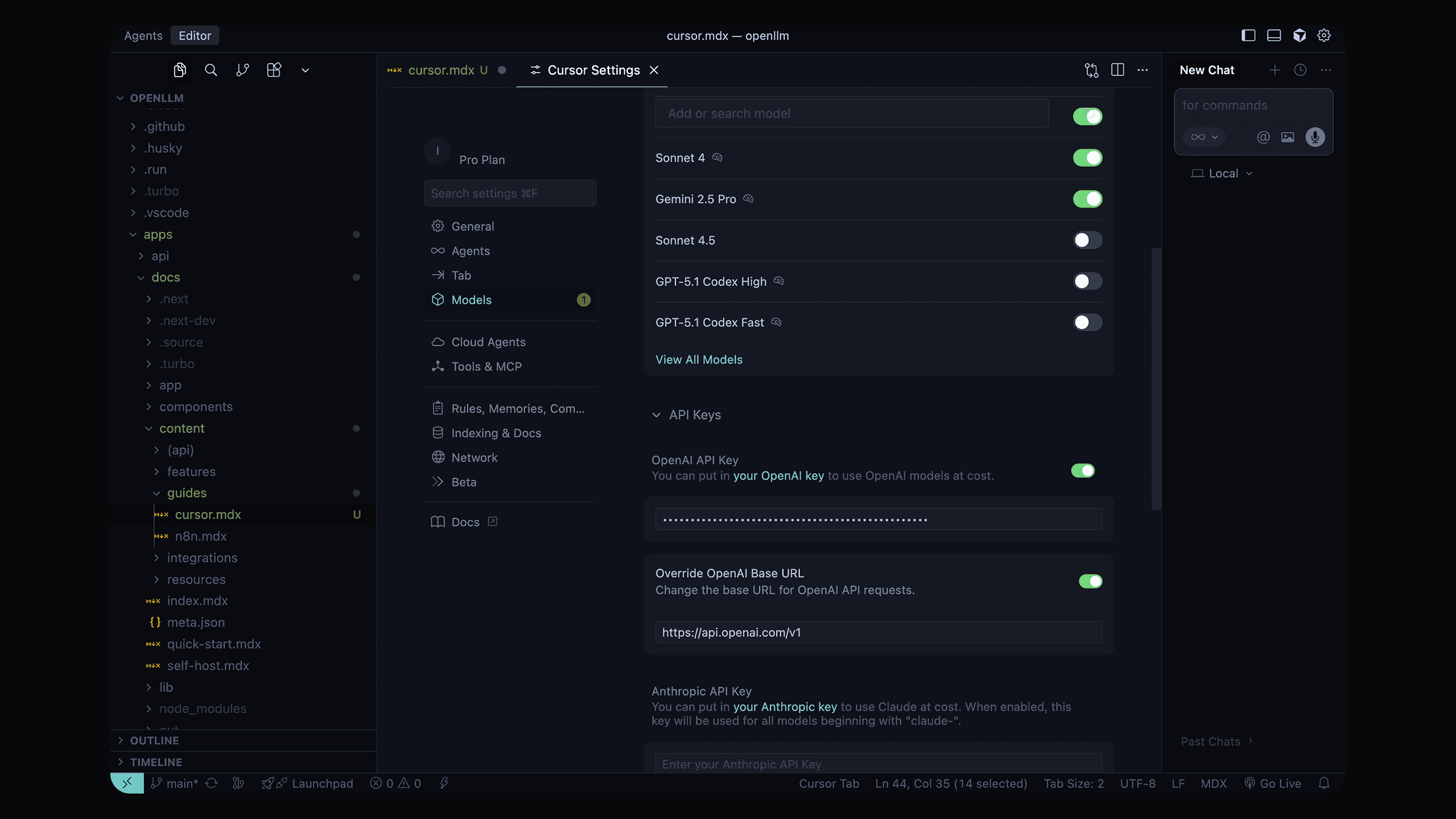
- Scroll down to OpenAI API Key section
- Click on Add OpenAI API Key
-
Enter your OffRail API key
-
In the same Models settings, find the Override OpenAI Base URL option
-
Enable the override option
-
Enter the OffRail endpoint:
https://api.offrail.ai/v1
Select Models
- In the Models section, you can now select from available models
- Choose any OffRail supported model:
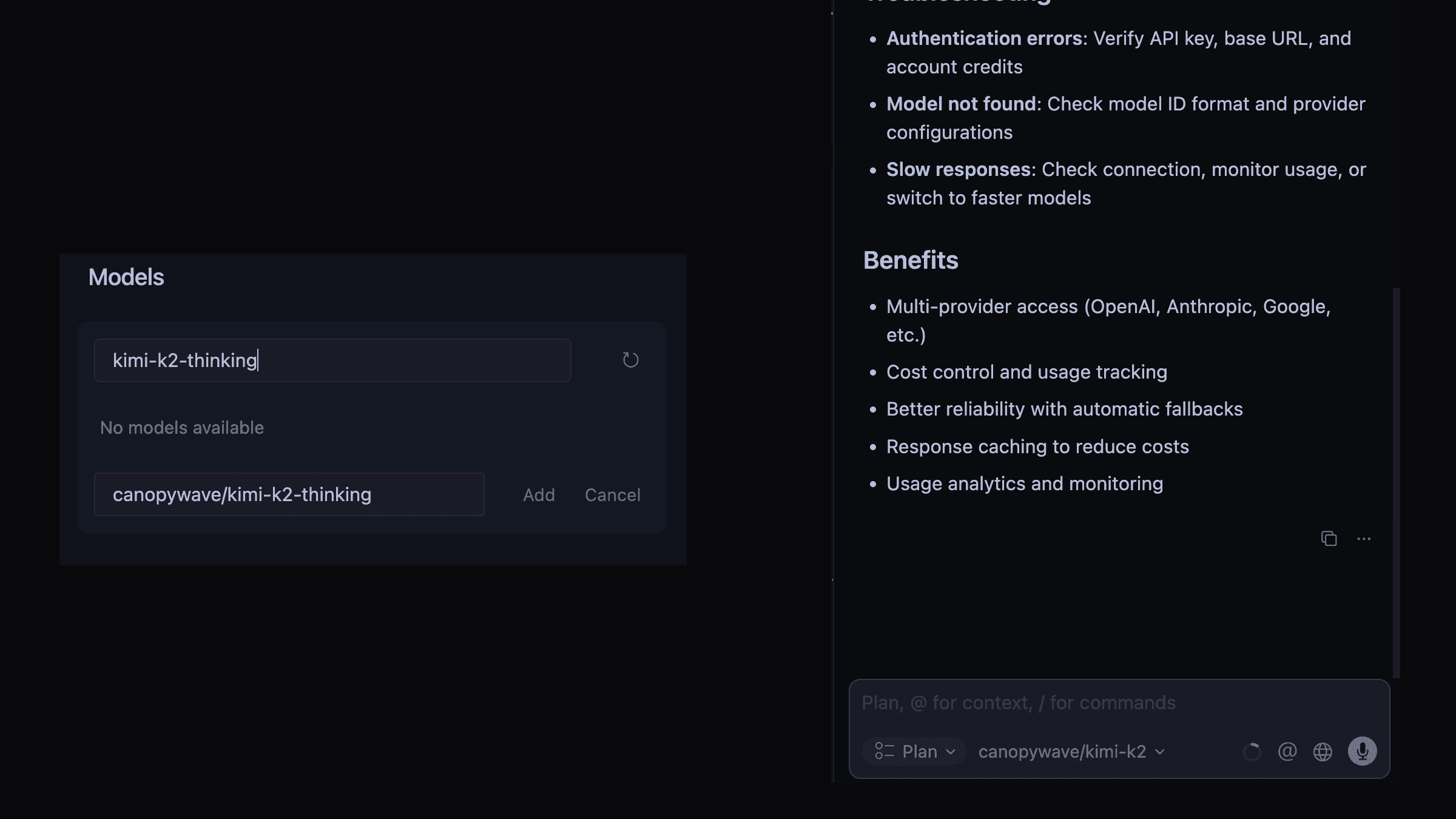
- For chat: Use models like
gpt-5,gpt-4o,claude-sonnet-4-5 - For custom models: Add the provider name before the model name (e.g.
custom/my-model) - For discounted models: copy the ids from from the models page
- For free models: copy the ids from from the models page
- For reasoning models: copy the ids from from the models page
Test the Integration
- Open any code file in Cursor
- Try using the AI chat (Cmd/Ctrl + L) in plan mode
- Then switch the panel to agent mode and run a small multi-file task
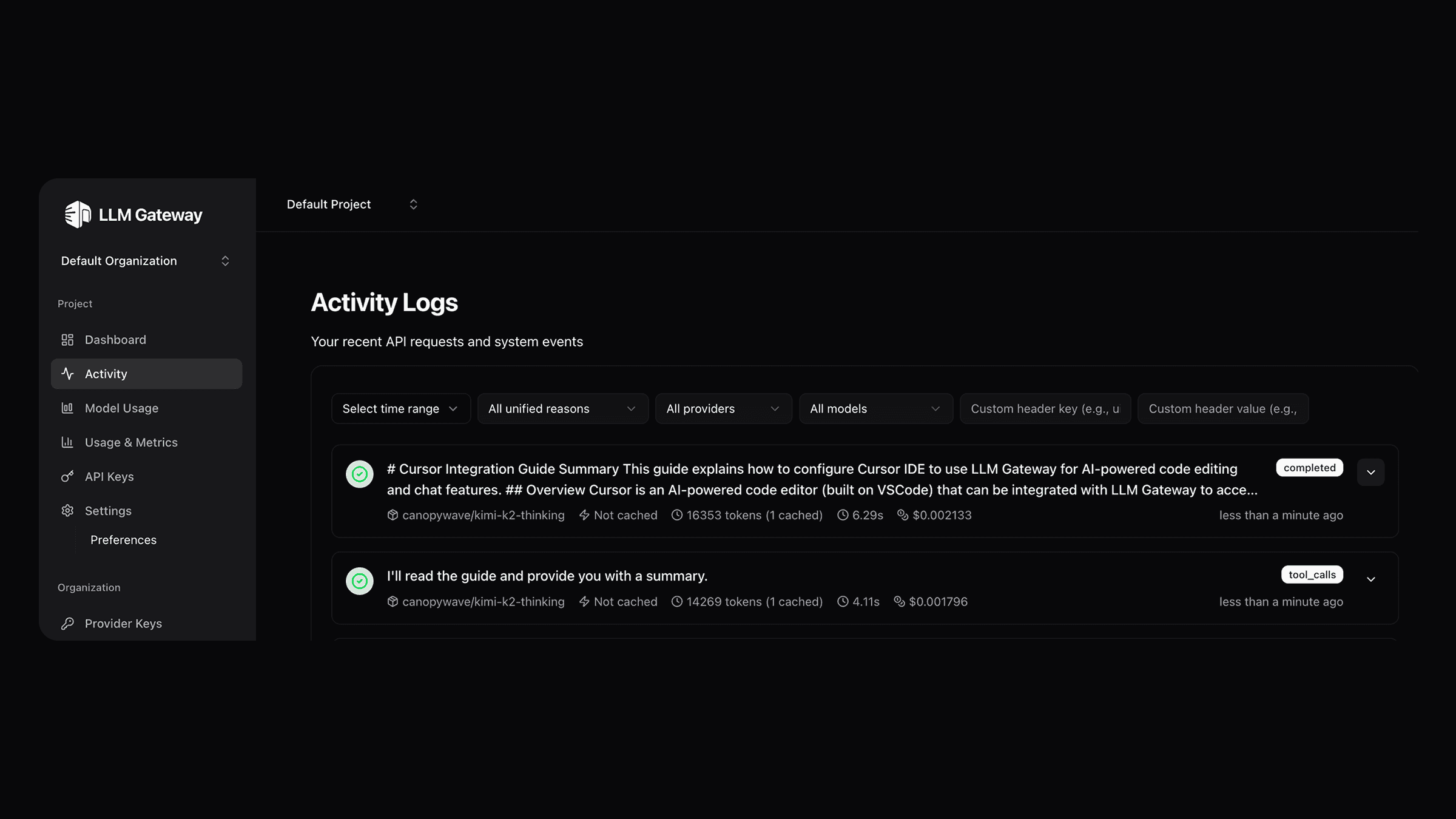
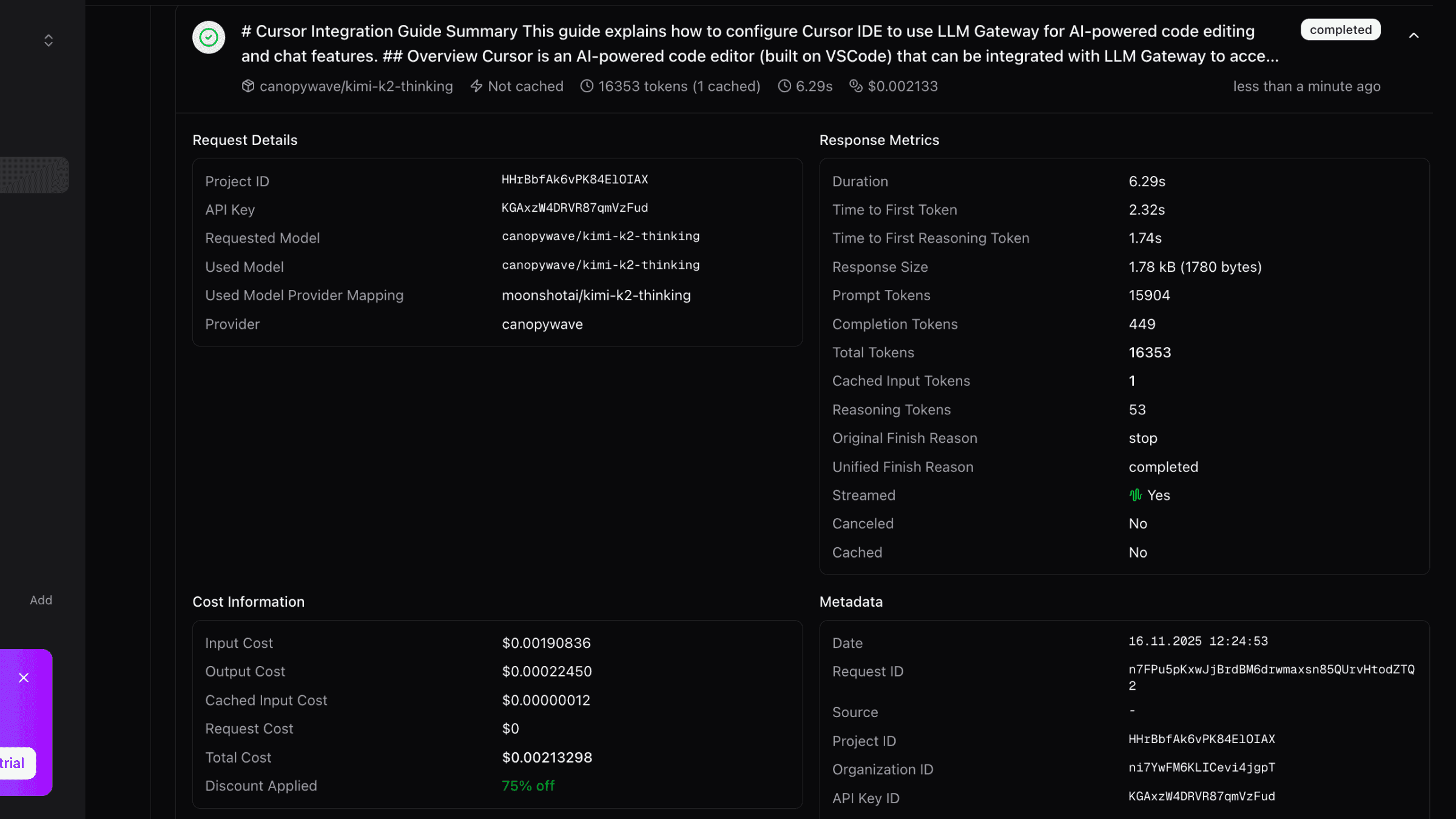
All AI requests will now be routed through OffRail.
What Works (and What Doesn't)
Cursor honors the custom OpenAI base URL for the AI panel (Cmd/Ctrl + L) — both plan mode and agent mode. Tab autocomplete and inline edit still use Cursor's own backend, even after you save the OffRail key.
Works through OffRail
- Plan mode (Cmd/Ctrl + L) — Ask questions, plan changes, get explanations, debug.
- Agent mode — Cursor's coding agent runs multi-file edits with your gateway models.
All of these requests route through OffRail and appear in your dashboard.
Does NOT work through OffRail
- Inline Edit (Cmd/Ctrl + K) — Locked to Cursor's backend.
- Autocomplete / Tab completion — Locked to Cursor's backend.
If you want every request in your workflow — including edits and completions — to route through OffRail, use Claude Code, Codex CLI, Cline, Continue CLI, or Hermes Agent.
Model Routing
With OffRail's routing features, you can:
- Chooses cost-effective models by default for optimal price-to-performance ratio
- Automatically scales to more powerful models based on your request's context size
- Handles large contexts intelligently by selecting models with appropriate context windows
Troubleshooting
Authentication Errors
If you see authentication errors:
- Verify your API key is correct
- Check that the base URL is set to
https://api.offrail.ai/v1 - Ensure your OffRail account has sufficient credits
Model Not Found
If you see "model not found" errors:
- Verify the model ID exists in the models page
- Check that you're using the correct model name format
- Some models may require specific provider configurations in your OffRail dashboard
Slow Responses
If responses are slow:
- Check your internet connection
- Monitor your usage in the OffRail dashboard
- Switch to a faster chat model from the models page
Autocomplete / inline edit still uses Cursor's models
This is expected. Cursor routes the AI panel — plan mode and agent mode — through the custom API key, but tab autocomplete and inline edit are locked to Cursor's own backend. See What Works (and What Doesn't) above.
Need help? Join our Discord community for support and troubleshooting assistance.
Benefits of Using OffRail with Cursor
- Multi-Provider Access: Use models from OpenAI, Anthropic, Google, Open-source models and more
- Cost Control: Track and limit your AI spending with detailed usage analytics
- Caching: Reduce costs with response caching
- Analytics: Monitor usage patterns and costs
How is this guide?