Agents Monitoring
Track cost, tokens, and sessions for every coding agent in a project
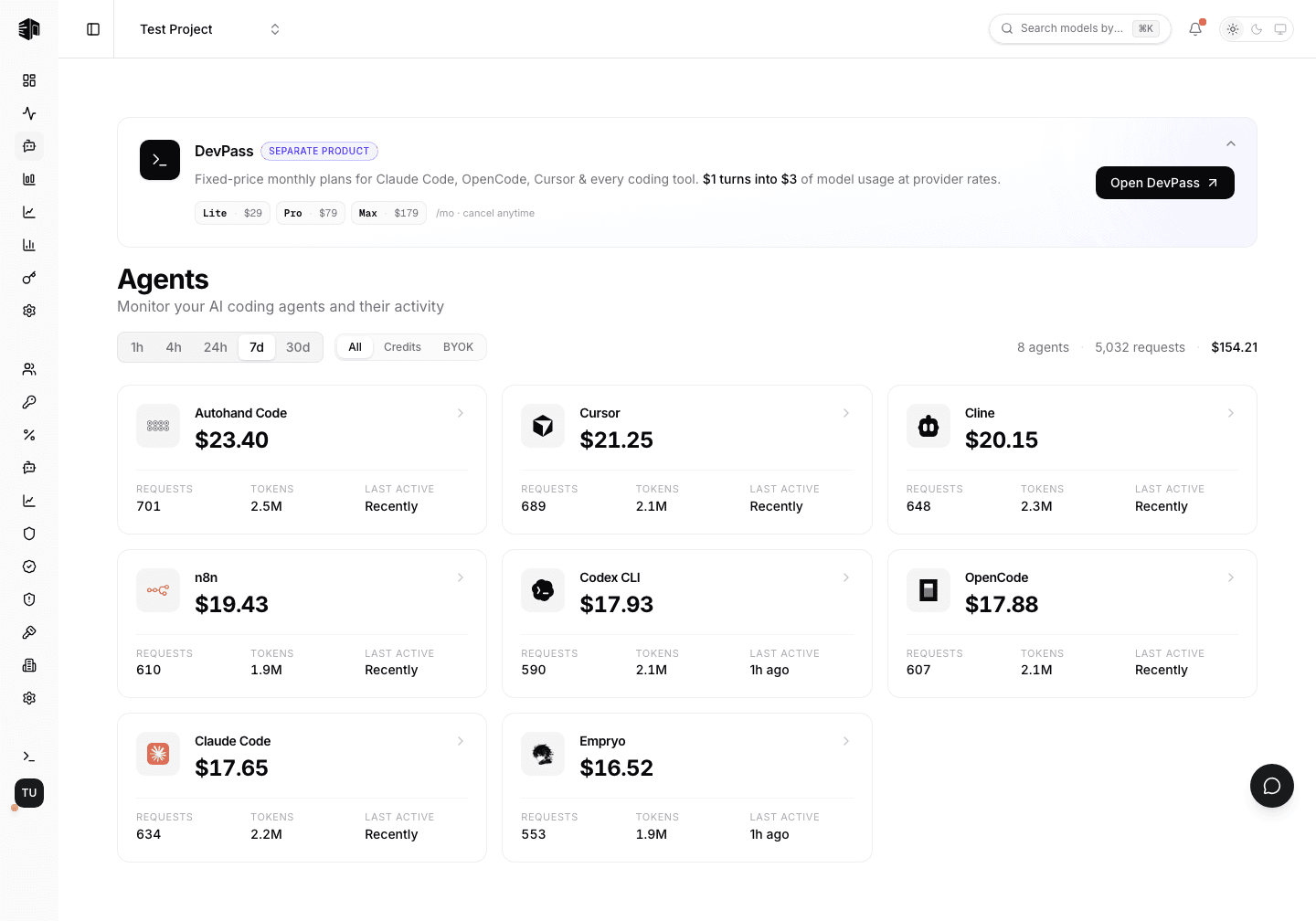
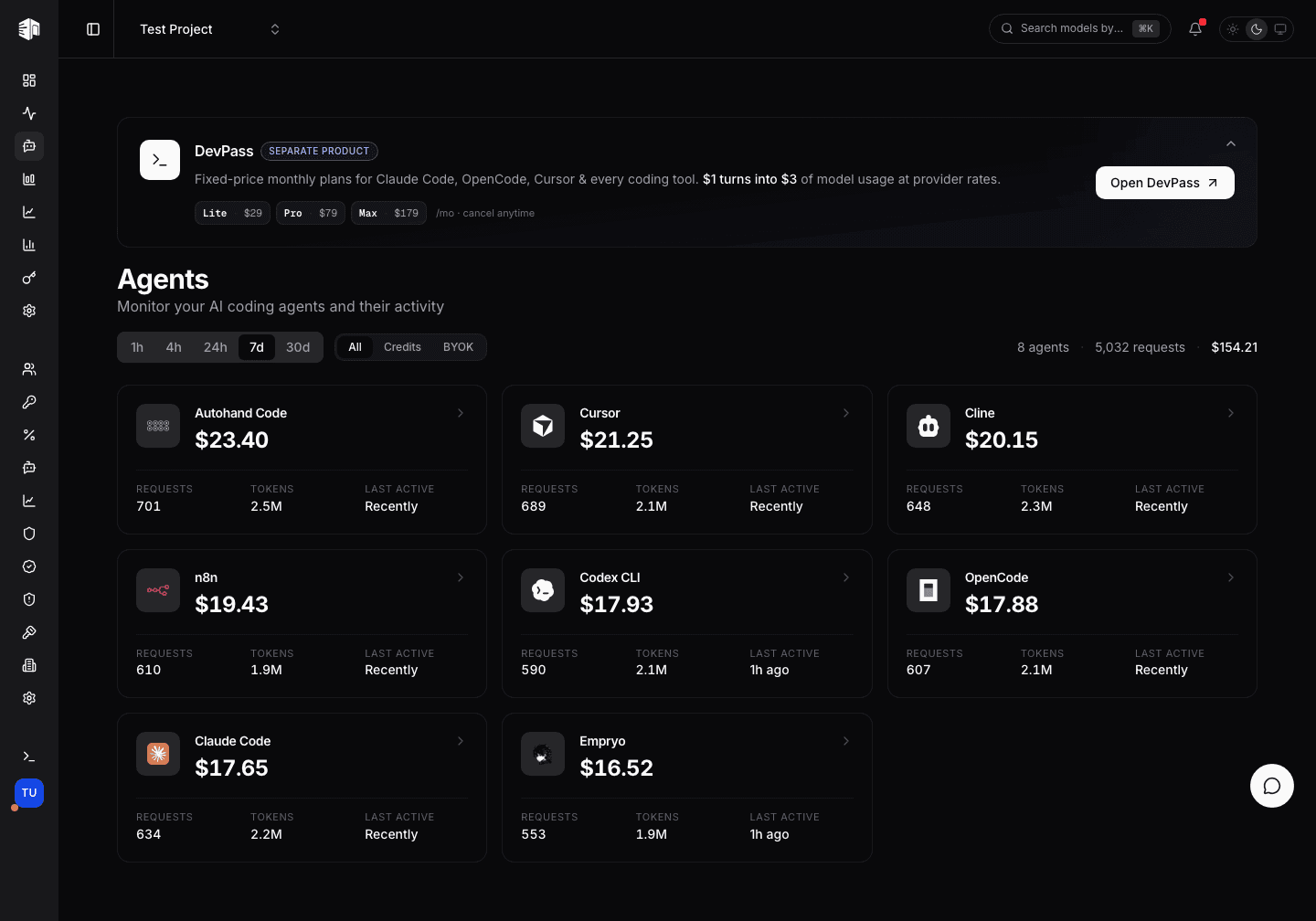
The Agents page groups your project's gateway traffic by the coding agent that produced it — Claude Code, Cursor, OpenCode, Cline, Codex and others — so you can see which tool is spending your credits and drill into the individual sessions behind the numbers.
Agents are identified by the x-source header their requests send. Anything
that doesn't match a known agent stays out of this view — use
Activity for the full request log.
Filtering the view
Two controls sit above the agent cards and both are stored in the URL, so a filtered view can be bookmarked or shared:
| Control | Options | Default |
|---|---|---|
| Time range | 1h, 4h, 24h, 7d, 30d | 7d |
| Usage mode | All, Credits, BYOK | All |
Credits shows only traffic billed against your credit balance, BYOK only traffic served by your own provider keys. The summary on the right of the row totals the agents, requests, and spend currently in view.
Agent Cards
Each agent that was active in the selected period gets a card:
| Field | Description |
|---|---|
| Name | The agent, matched from its request source |
| Total cost | Spend for this agent in the period |
| Requests | Number of API requests |
| Tokens | Prompt and completion tokens combined |
| Last active | When the agent last sent a request |
Click a card to open its detail view.
Agent Detail
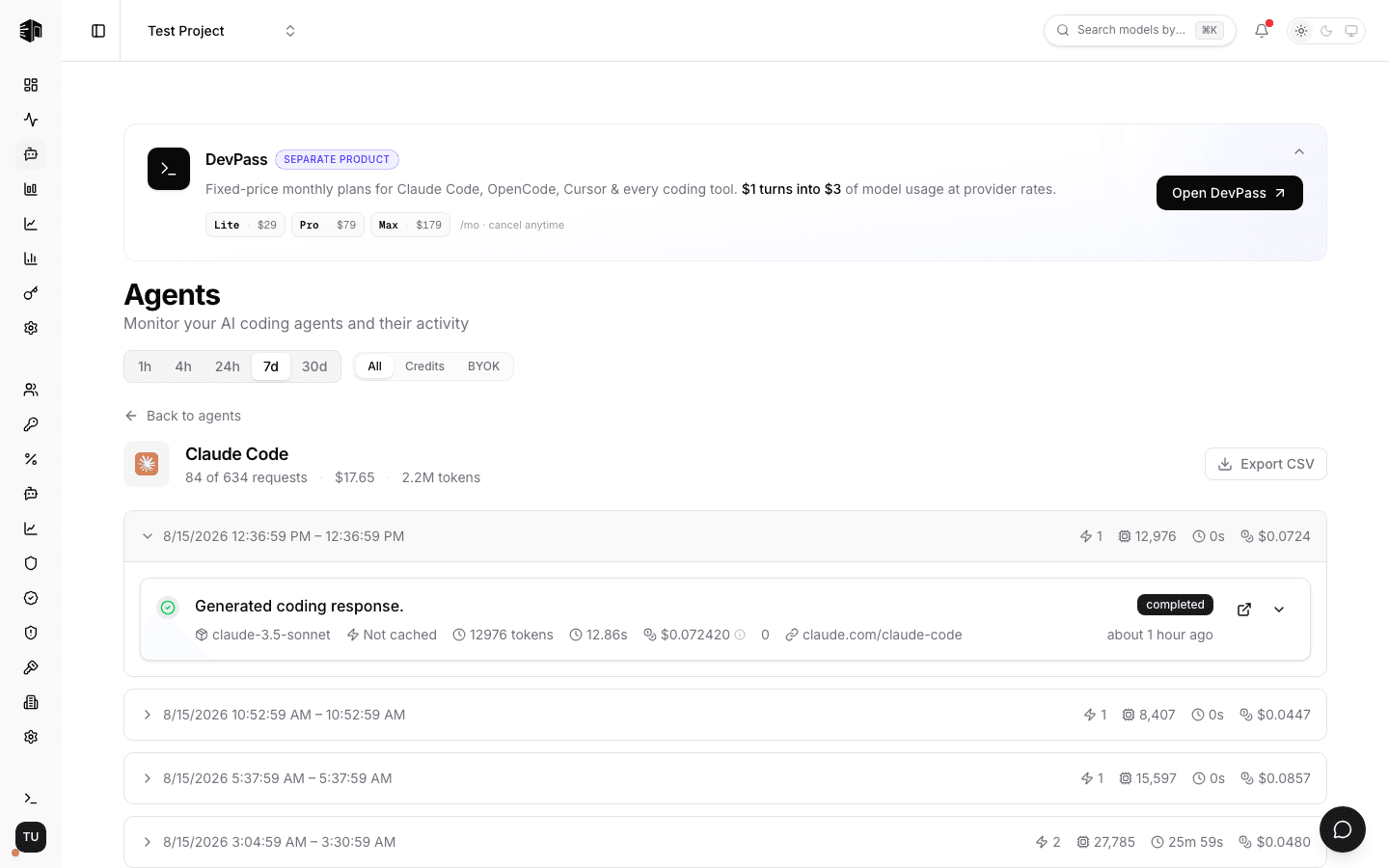
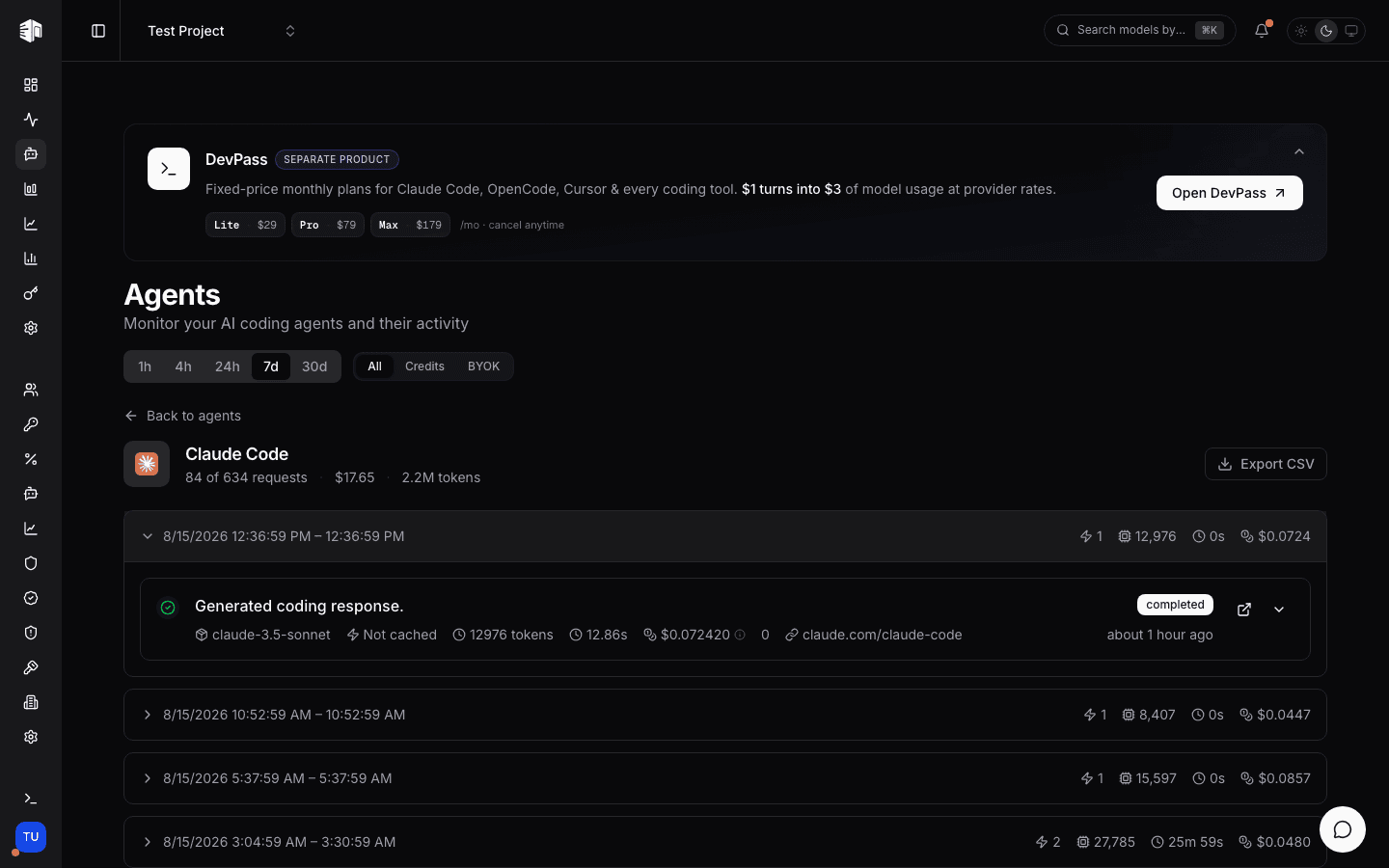
The detail view splits the agent's requests into sessions — consecutive requests with less than a 30-minute gap between them. Each session row shows its time range, request count, total tokens, duration, and cost. Expand a session to see the individual requests with their response previews, model, cache status, tokens, cost, and source.
Sessions load as you scroll; Load more sessions fetches the next page manually.
Exporting to CSV
Export CSV downloads every request in the selected period — not just the sessions currently loaded — for the agent you are viewing. Use it to reconcile agent spend against your own reporting.
See also Coding Agents.
How is this guide?