Payments SDK
Configure end-user sessions and platform secret keys for the Payments SDK (Embeddable Payments)
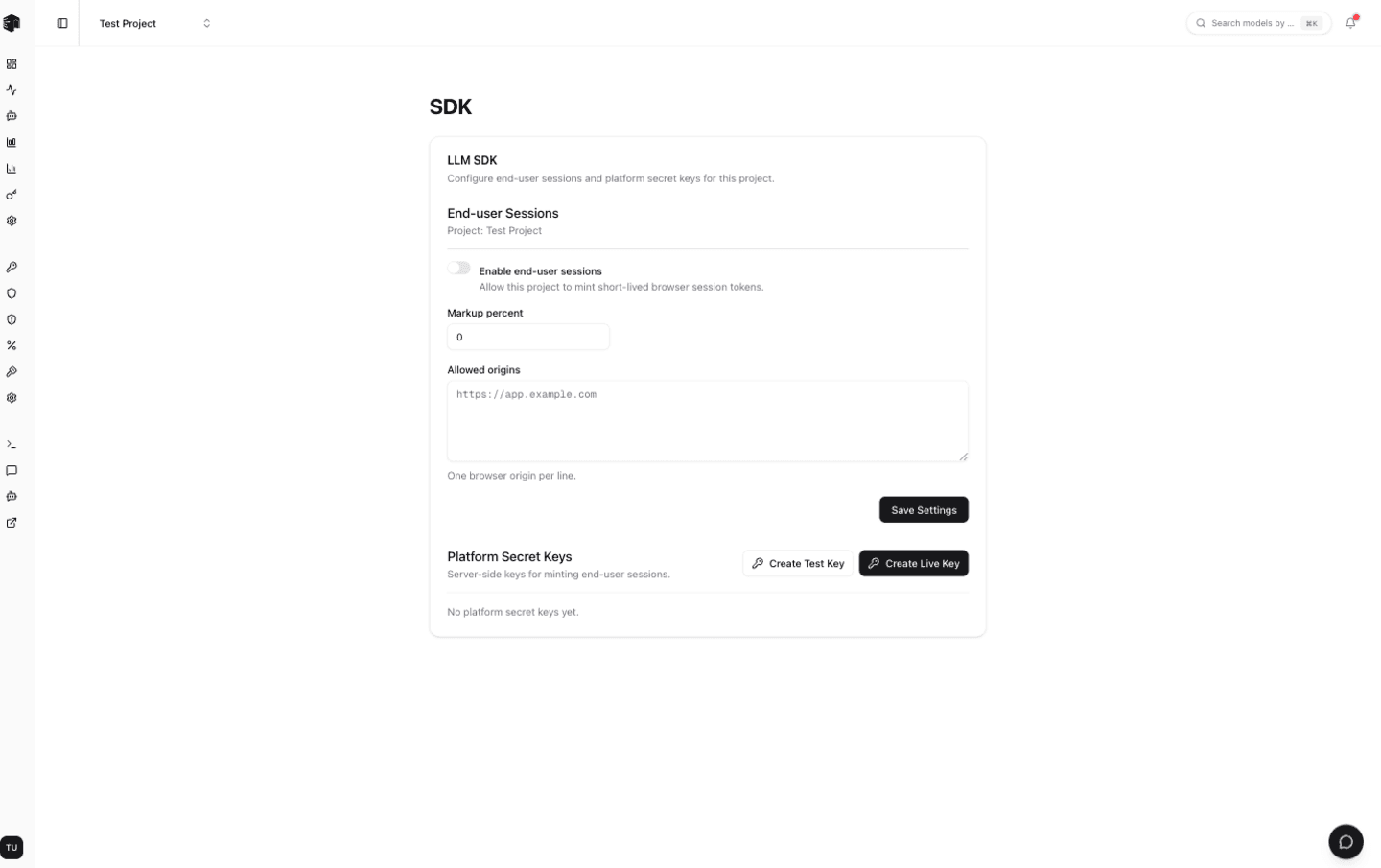
The Payments SDK settings page lets you embed end-user payments and sessions into your own application — your end users get their own wallets, and you control markup and access. It is a payments feature, not a normal AI client SDK like the OpenAI SDK. You'll find it under Settings → Payments SDK for a project.
Preview — opt-in only. Embeddable Payments is in preview and enabled on an opt-in basis per project. Until it is turned on for your project, this page is read-only and shows a preview of the settings. Contact us to request access.
End-user sessions
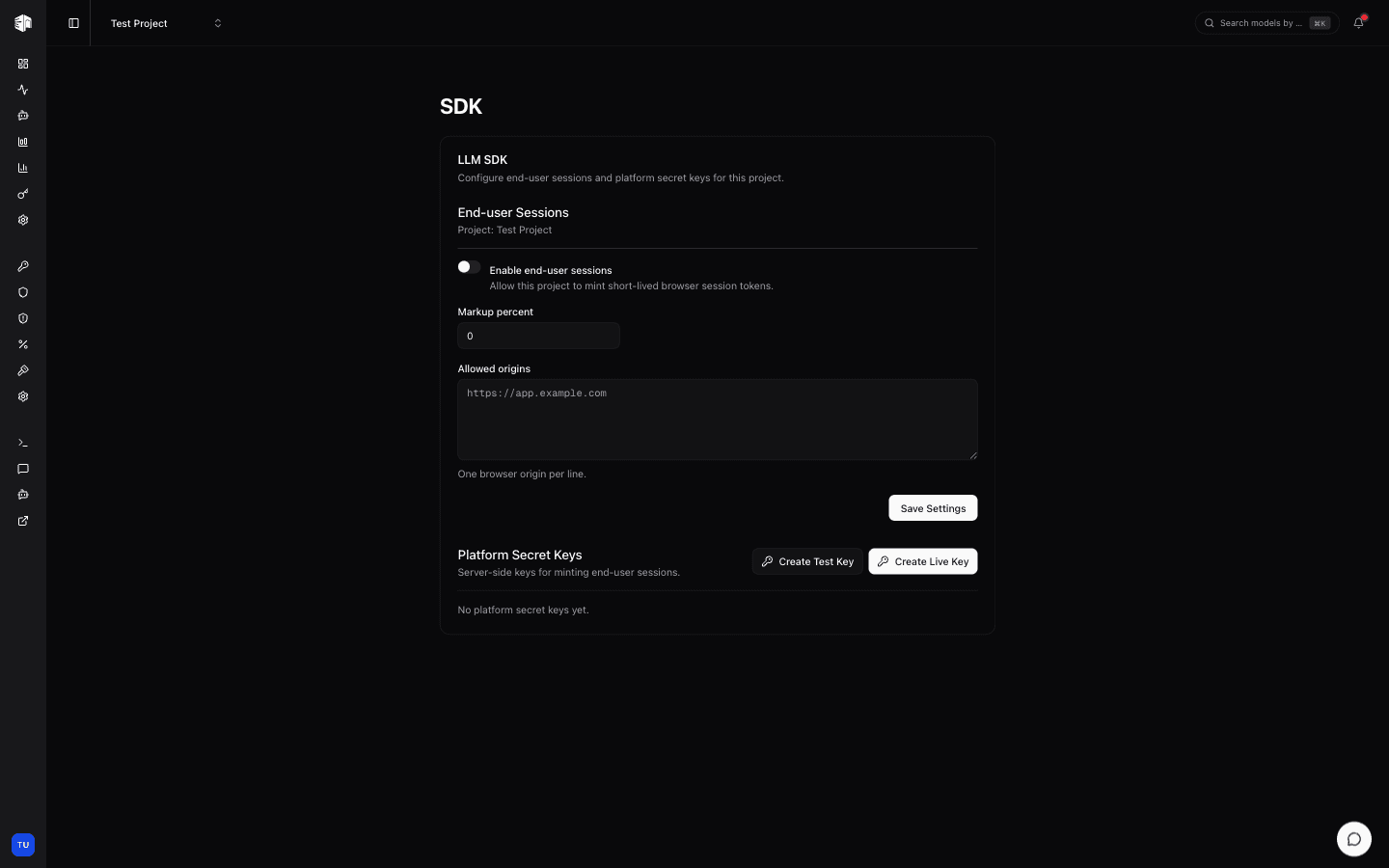
Turn on Enable end-user sessions to allow this project to mint short-lived browser session tokens for your users.
| Field | Description |
|---|---|
| Markup percent | The percentage you add on top of provider cost for each end-user request (0–100%) |
| Allowed origins | The browser origins permitted to use session tokens, one per line (e.g. https://app.example.com) |
Click Save Settings to apply changes.
Platform secret keys
Platform secret keys are server-side keys used to mint end-user sessions. Keep them on your backend — never expose them in the browser.
- Create Live Key — A production key. Top-ups made with it use live billing.
- Create Test Key — A sandbox key. Top-ups use the Stripe sandbox, so you can build and test without real charges.
A secret key is shown only once at creation time. Copy it immediately — it won't be displayed again. If you lose a key, revoke it and create a new one.
Each key in the list shows its description, a test badge when applicable, its status, and a masked token. Use Revoke to permanently disable a key.
How is this guide?