Provider Keys
Bring your own provider API keys to use without additional fees
The Provider Keys page lets you add your own API keys from LLM providers (OpenAI, Anthropic, Google, etc.) to route requests directly through your accounts without additional gateway fees. The only optional charge is data storage: if your organization enables full data retention, stored requests are billed at $0.01 per 1M tokens from your credits.
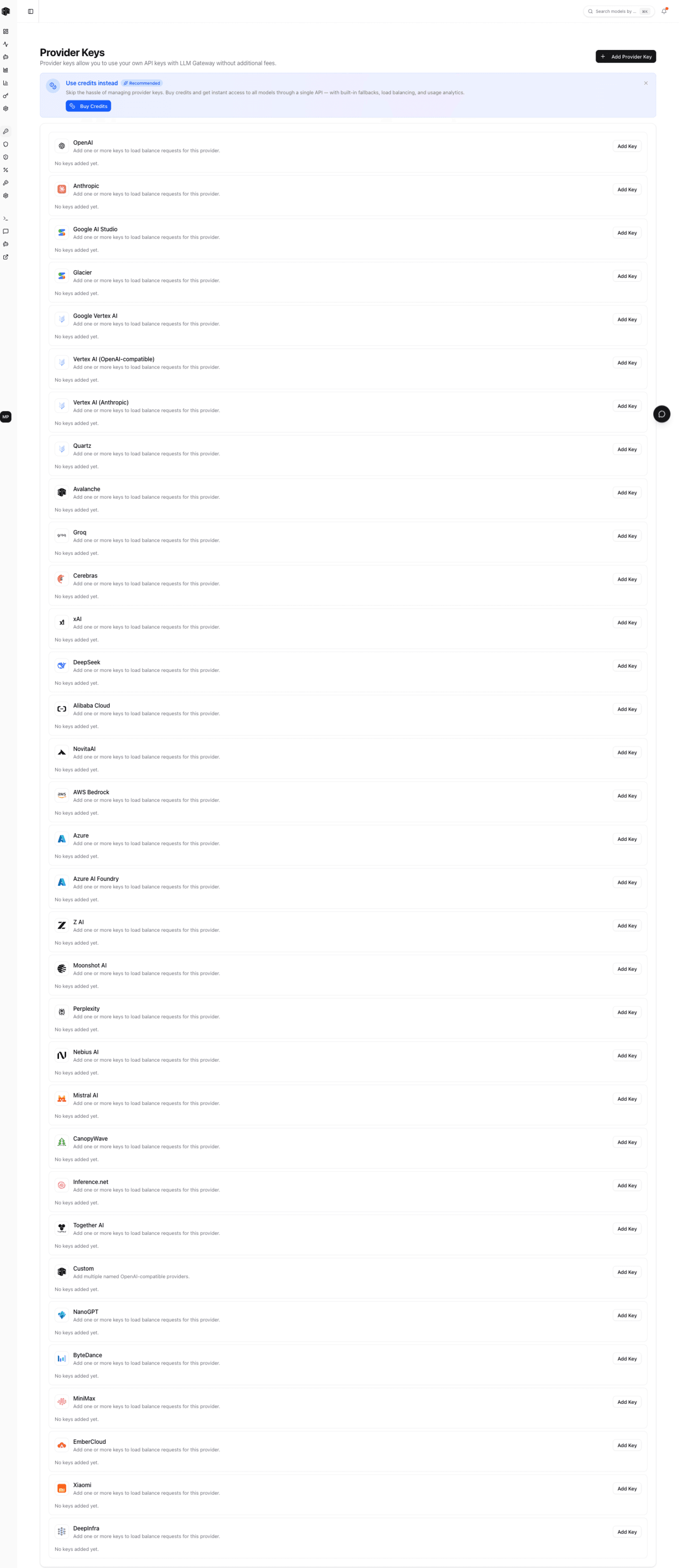
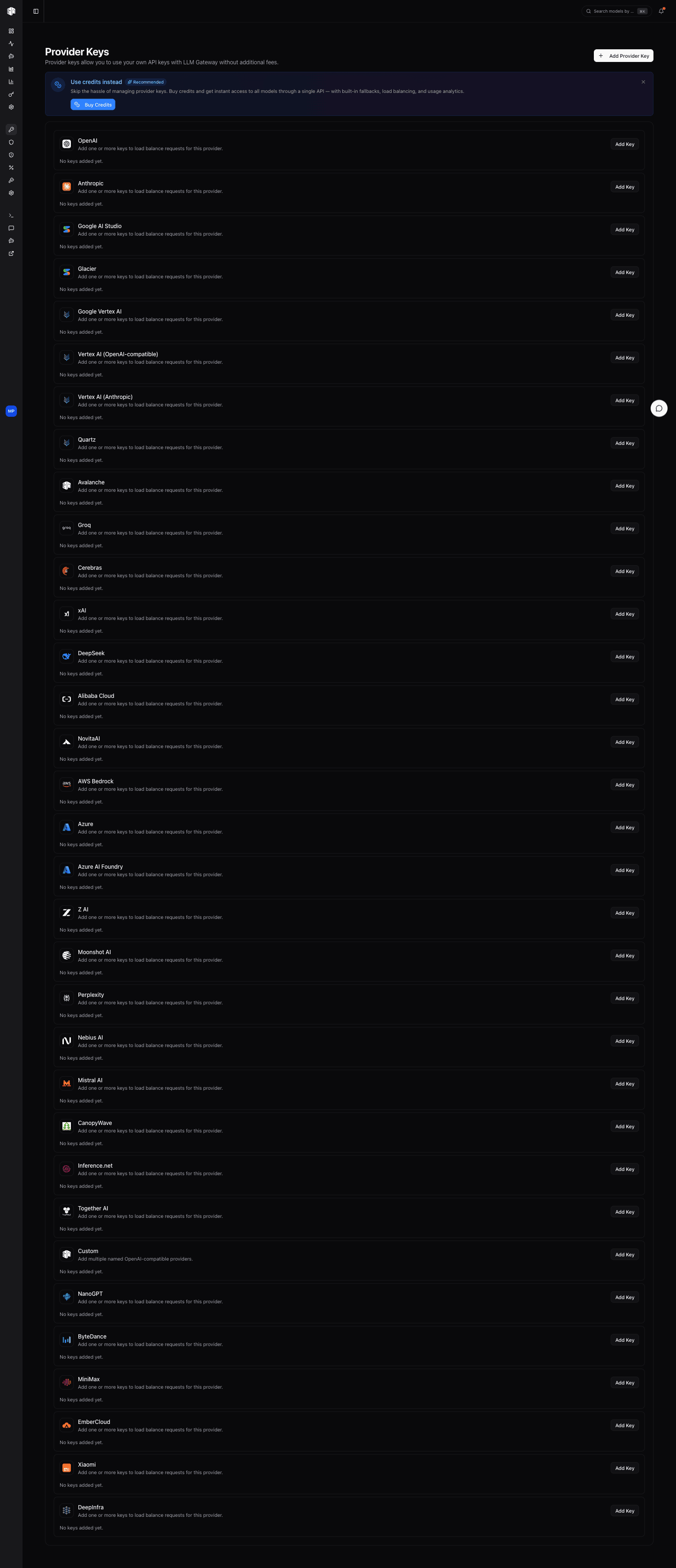
Adding a Provider Key
Click Add Provider Key to configure a new key:
- Provider — Select which provider this key belongs to
- Custom name — An optional label to identify the key
- API key — Your provider's API key
- Base URL — Optional custom endpoint (useful for Azure OpenAI or custom deployments)
- Allowed models — Optional allowlist restricting which models the key serves
- Max spend — Optional USD cap; the key is disabled once the spend attributed to it reaches the limit
Provider Keys List
Each configured key shows:
| Field | Description |
|---|---|
| Provider | The LLM provider (e.g., OpenAI, Anthropic) |
| Custom name | Your label for the key |
| Status | Active, inactive, or deleted |
| Base URL | Custom endpoint if configured |
| Token | Masked key with only the last 4 characters visible |
Actions
For each provider key:
- Edit — Update the key name, value, or base URL
- Restrict models — Choose which models the key may serve
- Set spend limit — Cap the spend attributed to the key
- Deactivate — Temporarily disable the key without deleting it
- Delete — Permanently remove the key
Restricting a Key to Specific Models
Provider accounts often only have some of a provider's models enabled. Set Allowed models on a key to list exactly the models it may serve — routing then skips that key for anything else instead of sending a request the upstream account will reject. Leave the list empty to serve every model the provider offers.
The restriction also decides how a key is checked when you save it: a restricted key is validated against one of its own allowed models rather than the provider's default validation model, so a key with partial model access still validates.
In hybrid mode, a model excluded by the restriction falls back to your credits rather than failing, so restricting a key never takes a model away from your projects.
When you use your own provider keys, requests are routed directly to the provider. You pay the provider's standard rates with no additional gateway markup — the only OffRail charge is the optional data storage cost when full data retention is enabled.
How is this guide?